
Remove noise from a photo
Upload your grainy or noisy night shot and download it clean, with natural texture and no plastic finish.
This action: 2 creditsFree: watermarked images. After purchase: originals without a watermark.
Try an example
How to remove noise from a photo
Upload the image, let the AI clean the noise, and download the natural-looking result.
- 01
Upload your image
JPG, PNG or WebP up to 10MB. Your photos stay private to your account.
- 02
The AI cleans the noise
Grain is removed while preserving the scene's real texture, especially in dark areas.
- 03
Run the tool and download
Review the before and after, and download the result in high quality.
More improvement tools
Each tool is tuned for one kind of improvement. Keep working on the same image with another one.
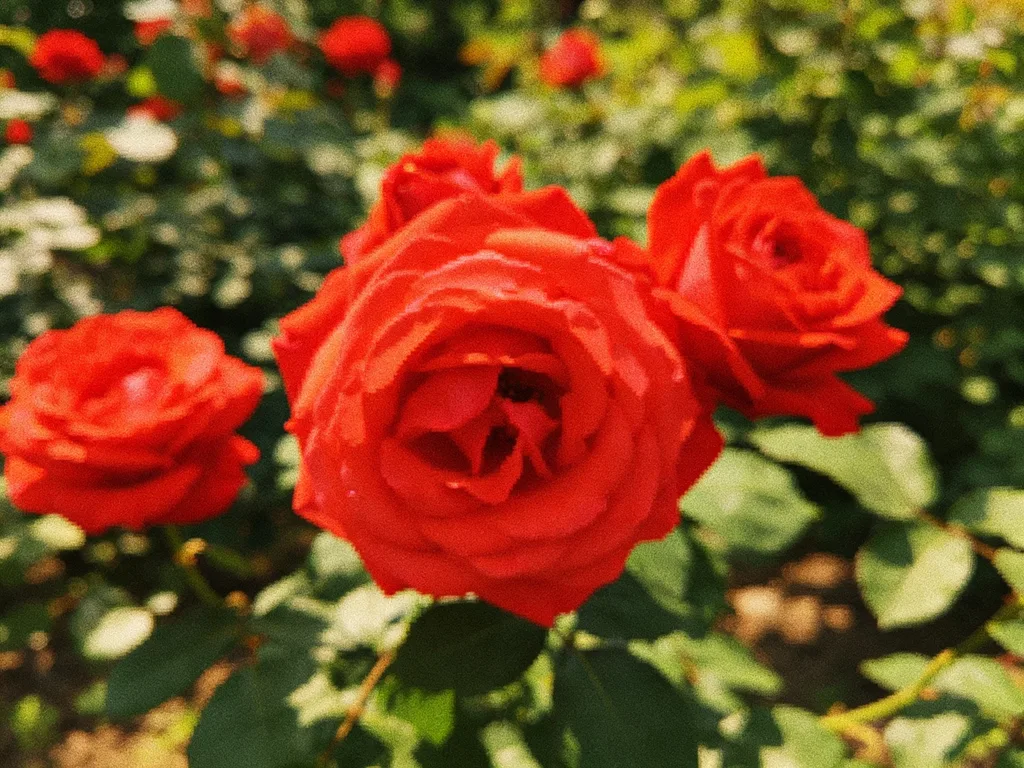
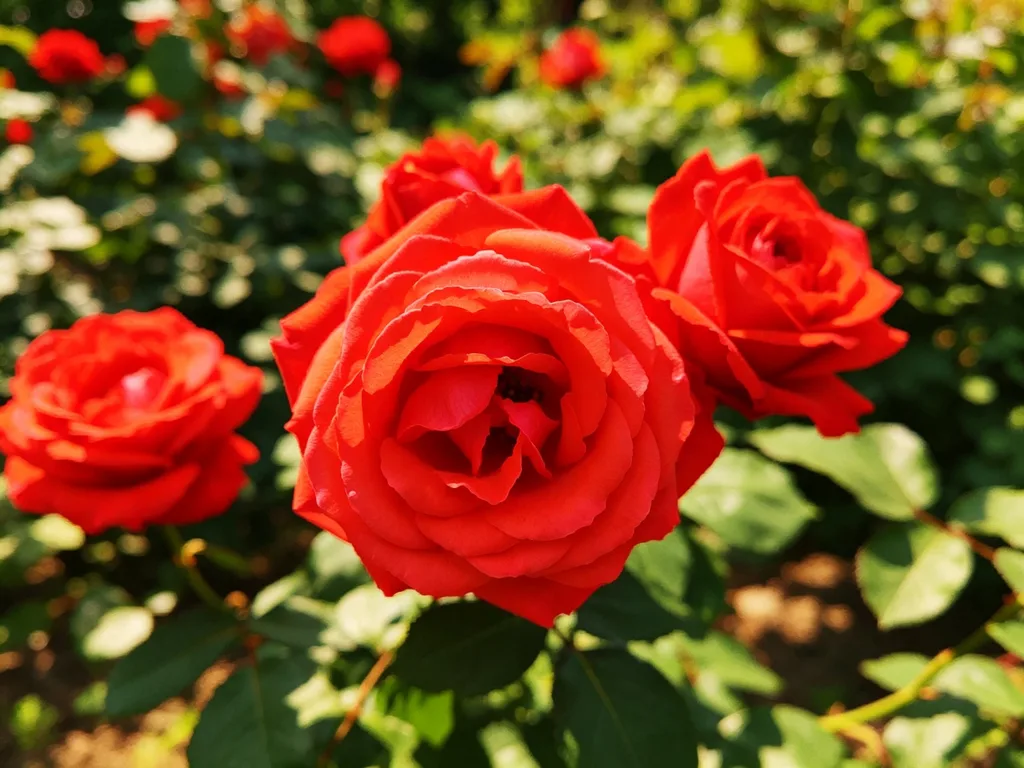
Bring back focus and definition in blurry or soft photos.
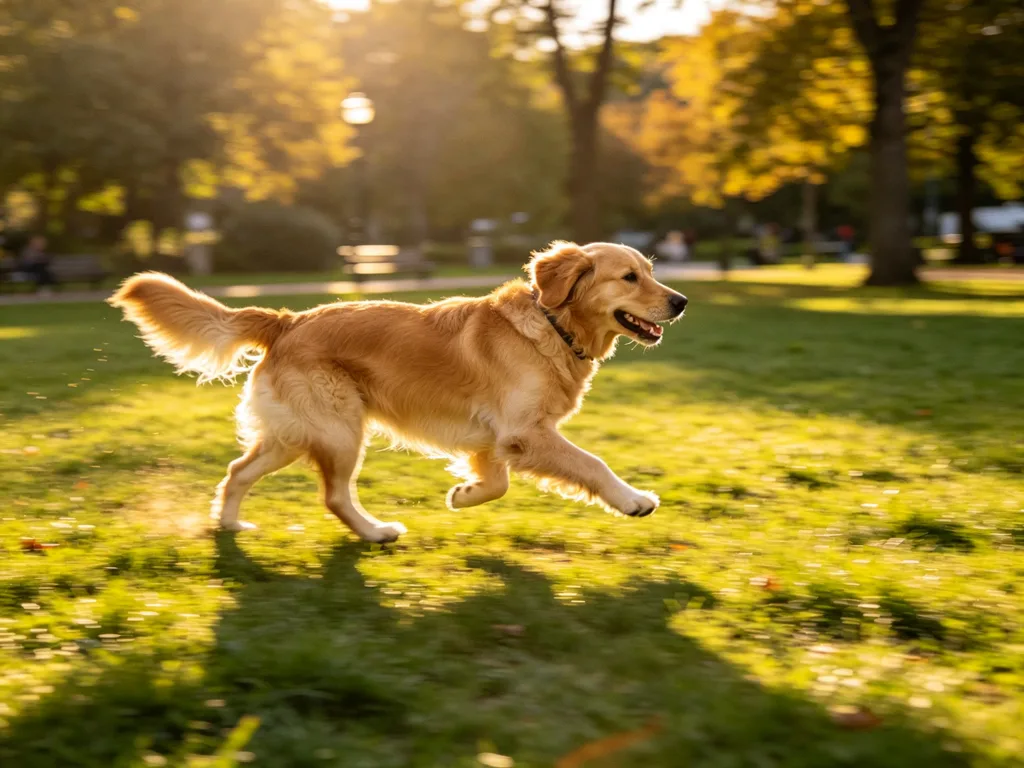
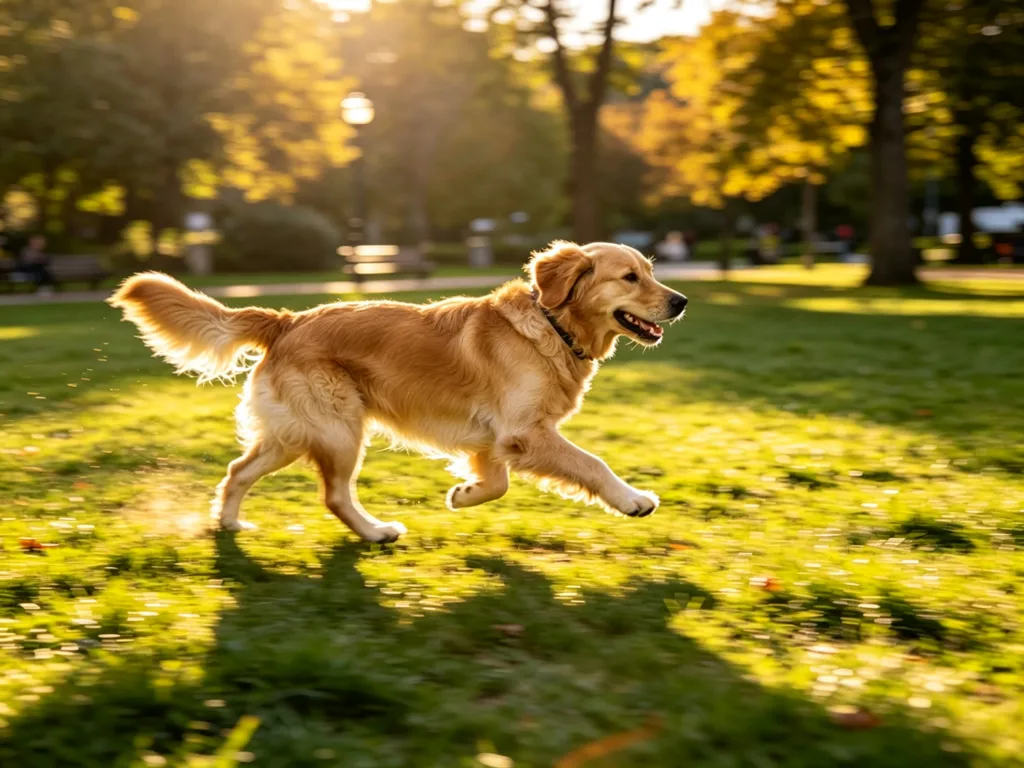
Remove blur from shaky photos and give them back a natural focus.


Repair scratches, stains and fading in your vintage photos.
Scale your images to 2x or 4x while keeping details clear.
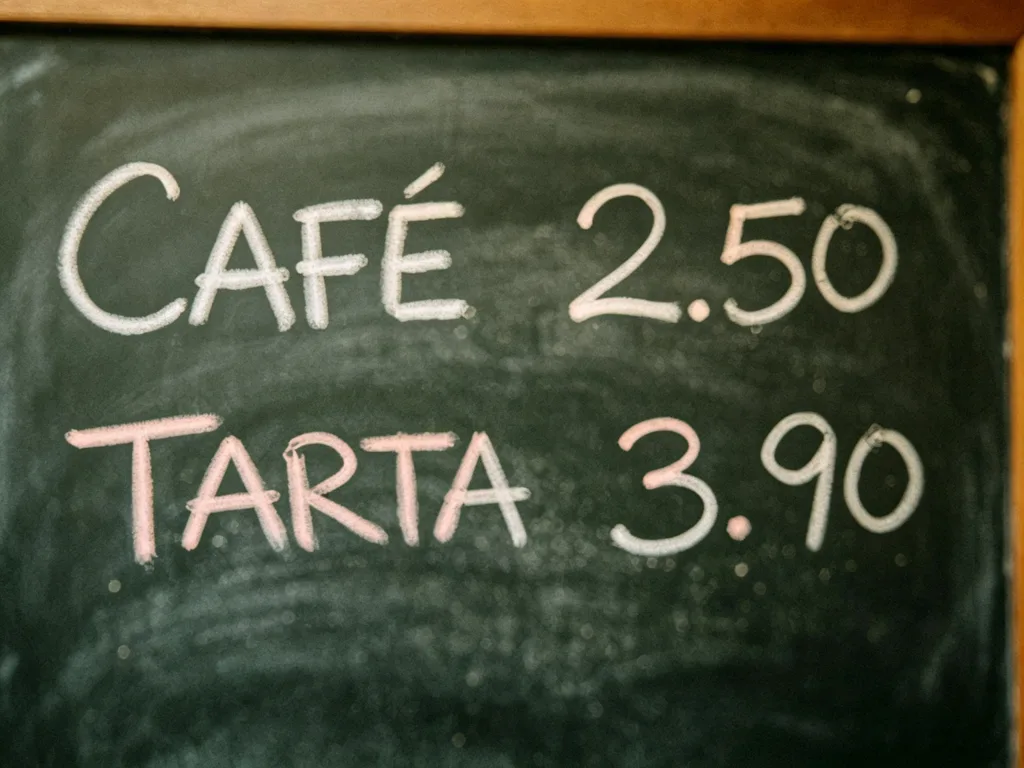
Make documents and signs readable again, with OCR verification.

Add realistic color to your black-and-white photos.
Questions about noise removal
Answers about noise types, natural texture, and processing cost.
What kind of noise does it remove?
Low-light noise, high-ISO grain, and color noise in dark areas. Typical of night and indoor photos.
Will my photo end up looking plastic?
No. The process is tuned to keep natural texture: it cleans the noise, not the skin or the details.
Does it work for scanned old photos?
Yes, it helps with scan grain. If the photo also has physical damage, the old-photo restoration tool is a better fit.
How much does it cost?
Each run costs 2 credits (3 with the Pro model), with free credits when you sign up.
Do I lose detail when removing noise?
Keeping real detail is the priority. In extremely noisy photos there may be slight smoothing, always preferable to the grain.
Which formats does it accept?
JPG, PNG and WebP up to 10MB per image.
Clean up your photo now
Upload your noisy image and download it clean in seconds.