
AI Image Upscaler
Enlarge your photo to 2x or 4x for printing or publishing at scale, keeping details sharp and content intact.
This action: 2 creditsFree: watermarked images. After purchase: originals without a watermark.
Try an example
How to increase a photo's resolution
Upload the image, choose the scale (2x or 4x), and download the enlarged version.
- 01
Upload your image
JPG, PNG or WebP up to 10MB. Your photos stay private to your account.
- 02
Choose the scale
2x doubles the size and 4x quadruples it. The AI rebuilds details so the enlargement stays sharp.
- 03
Run the tool and download
Review the before and after, and download the result in high quality.
More improvement tools
Each tool is tuned for one kind of improvement. Keep working on the same image with another one.

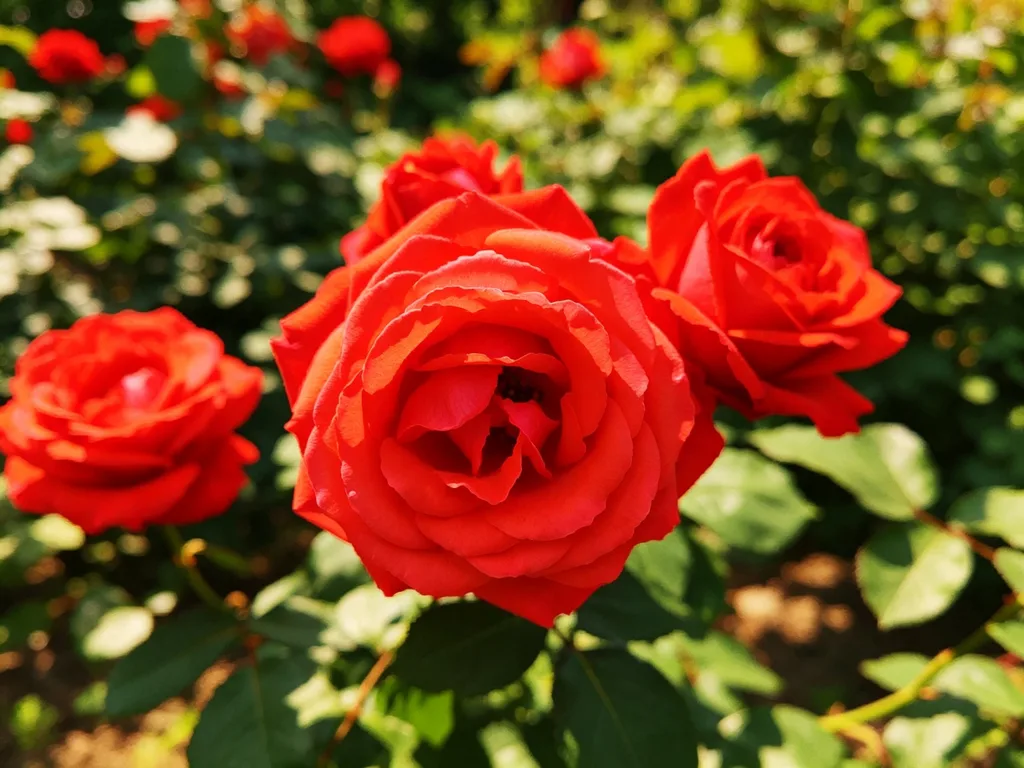
Bring back focus and definition in blurry or soft photos.
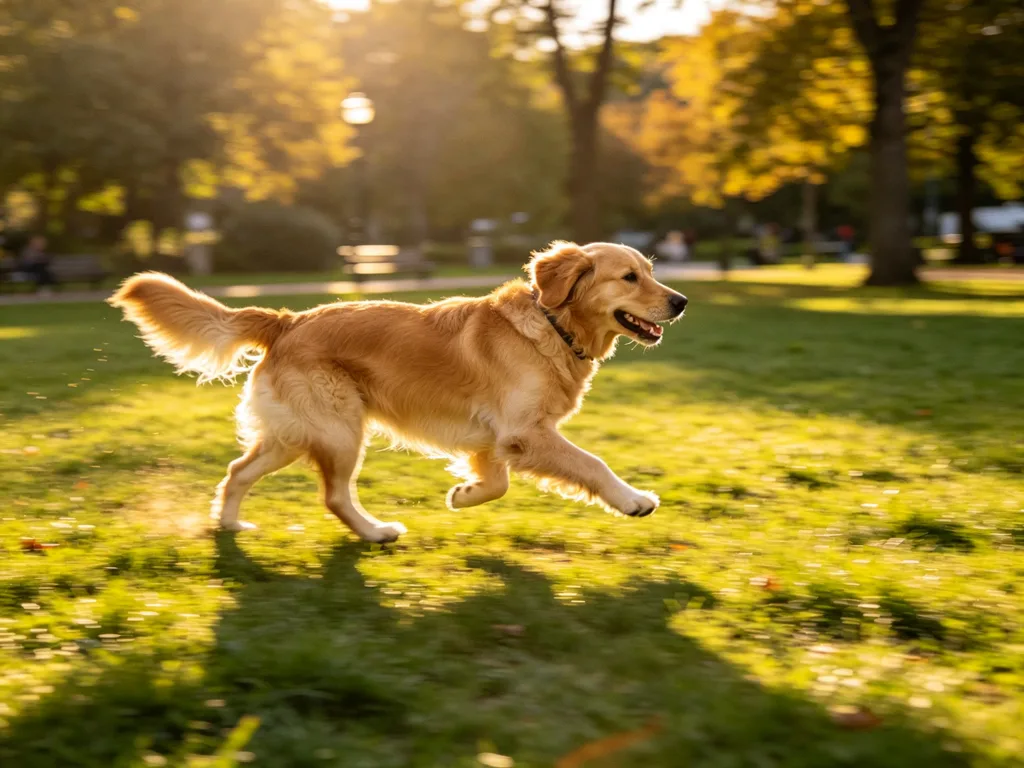
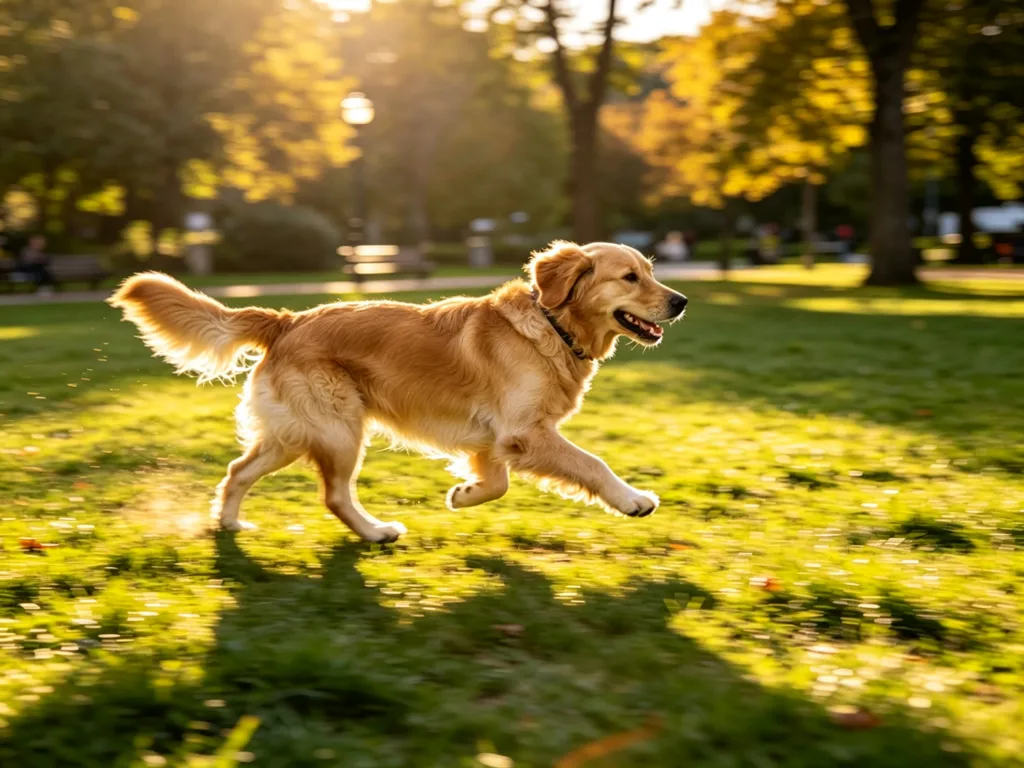
Remove blur from shaky photos and give them back a natural focus.


Repair scratches, stains and fading in your vintage photos.
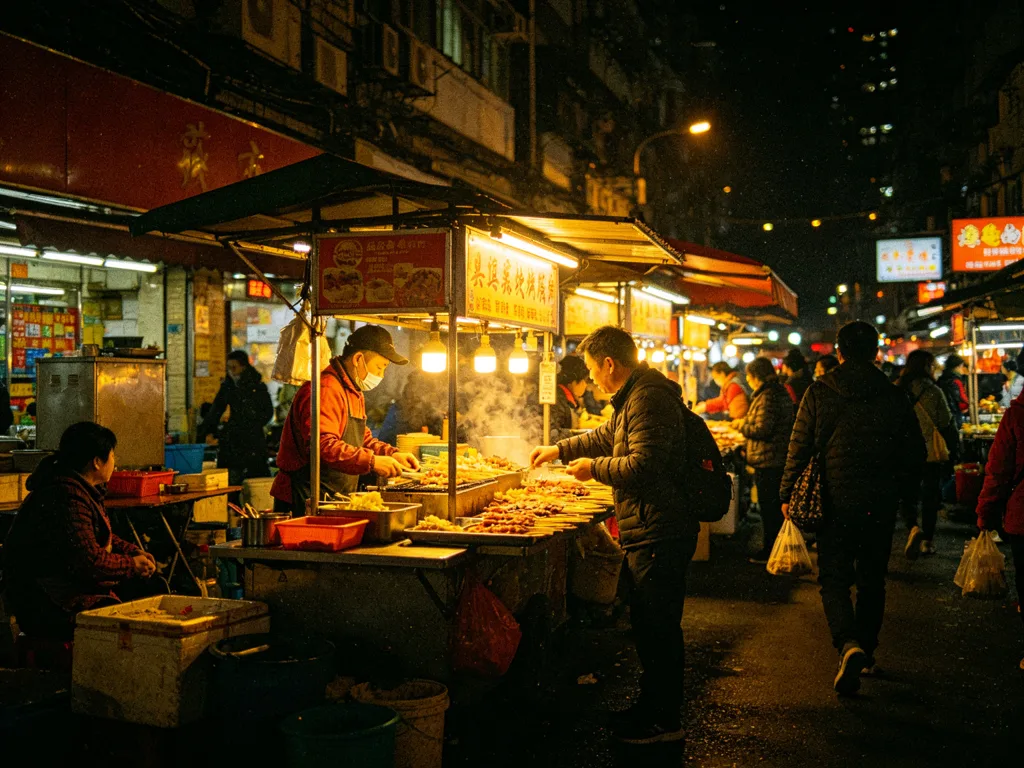
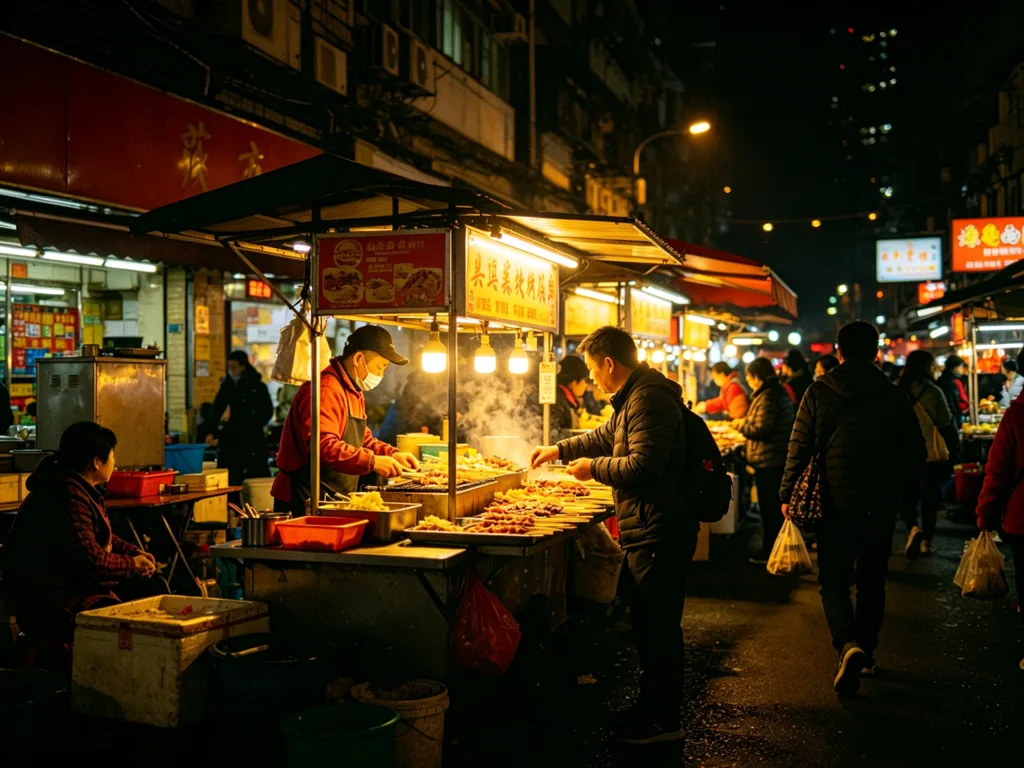
Clean up grain and noise in your low-light photos.
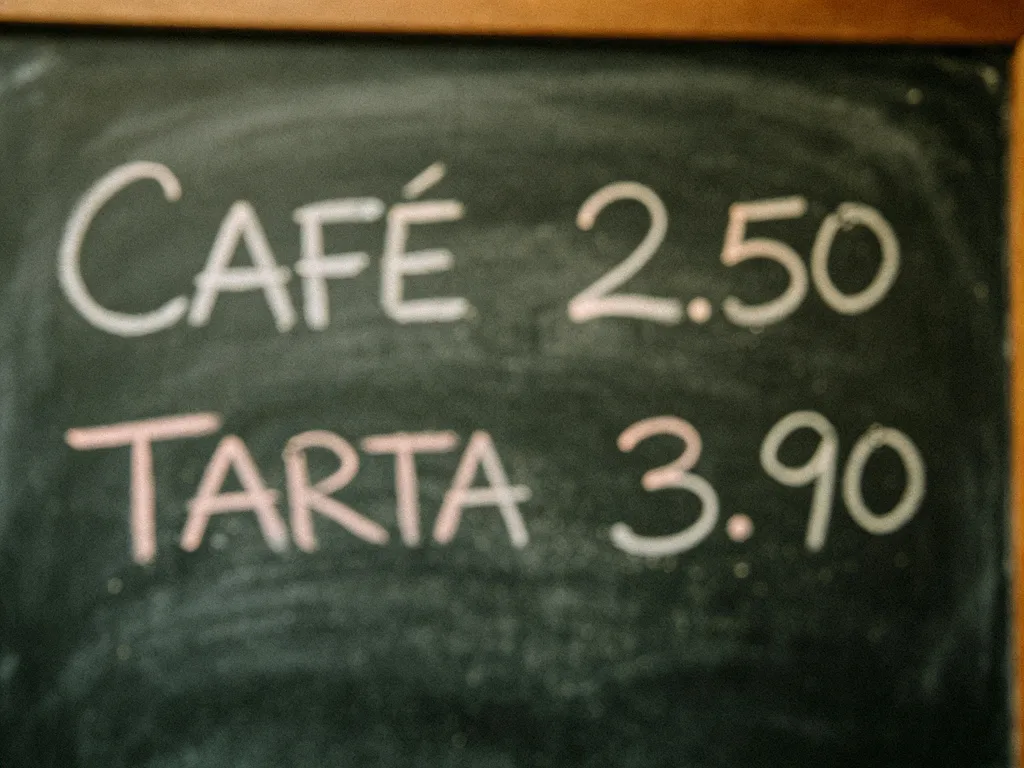

Make documents and signs readable again, with OCR verification.

Add realistic color to your black-and-white photos.
Questions about upscaling
Answers about scales, maximum sizes, printing, and credit cost.
How much can I enlarge an image?
You can choose 2x or 4x. A 1000x750 px photo becomes 2000x1500 px or 4000x3000 px, enough for large prints and high-density screens.
Does upscaling invent details?
The AI rebuilds textures and edges from your photo's real information, with instructions to keep the content. It does not add objects or recompose the scene.
Is it good for large-format printing?
Yes, that is its most common use: enlarging photos for posters, framed prints and printed albums while keeping them sharp.
How much does it cost?
Each upscale costs 2 credits (3 with the Pro model), with free credits when you sign up to try it.
What if my photo is already large?
The process works the same, though the resulting file will be heavier. For already-large photos the sharpen tool is usually enough.
Which formats does it accept?
JPG, PNG and WebP up to 10MB per image.
Enlarge your image without losing quality
Upload your photo, choose 2x or 4x, and download the high-resolution version.