
Clear up blurry text
Make documents, signs and screenshots readable again. We compare the text with OCR before and after: if it matches you'll see “Text verified”, and if not, we flag it.
This action: 2 creditsFree: watermarked images. After purchase: originals without a watermark.
Try an example
How to clear up text in an image
Upload the image with text, run the improvement, and check the result with the built-in verification.
- 01
Upload your image
JPG, PNG or WebP up to 10MB. Your photos stay private to your account.
- 02
Improvement with verification
The AI clears up the letters and our OCR check compares the text before and after to warn you of any change.
- 03
Run the tool and download
Review the before and after, and download the result in high quality.
More improvement tools
Each tool is tuned for one kind of improvement. Keep working on the same image with another one.


Bring back focus and definition in blurry or soft photos.
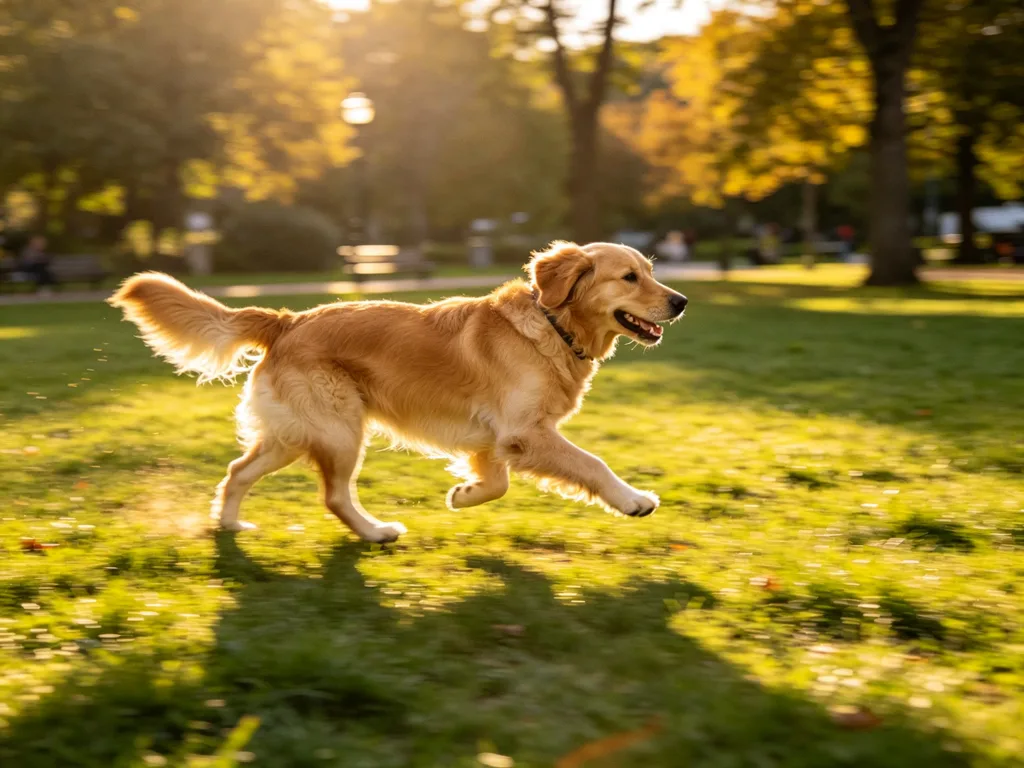
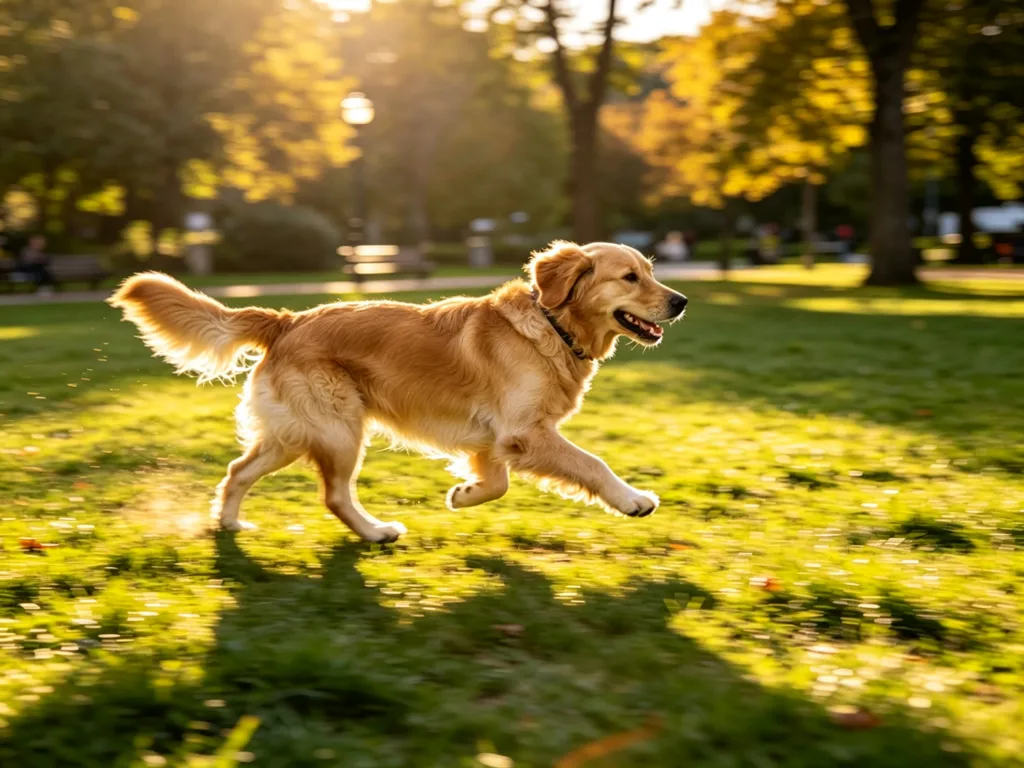
Remove blur from shaky photos and give them back a natural focus.
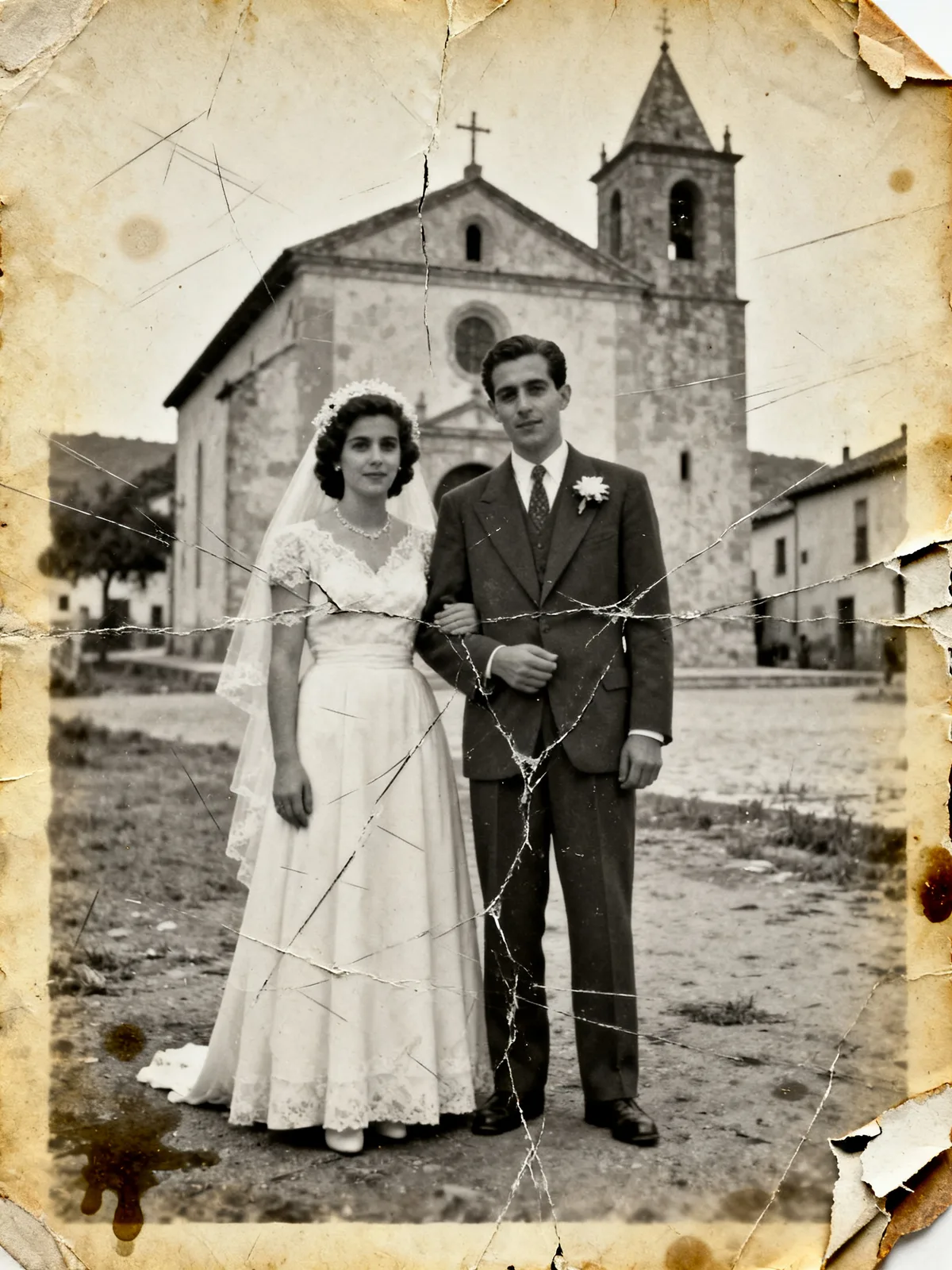
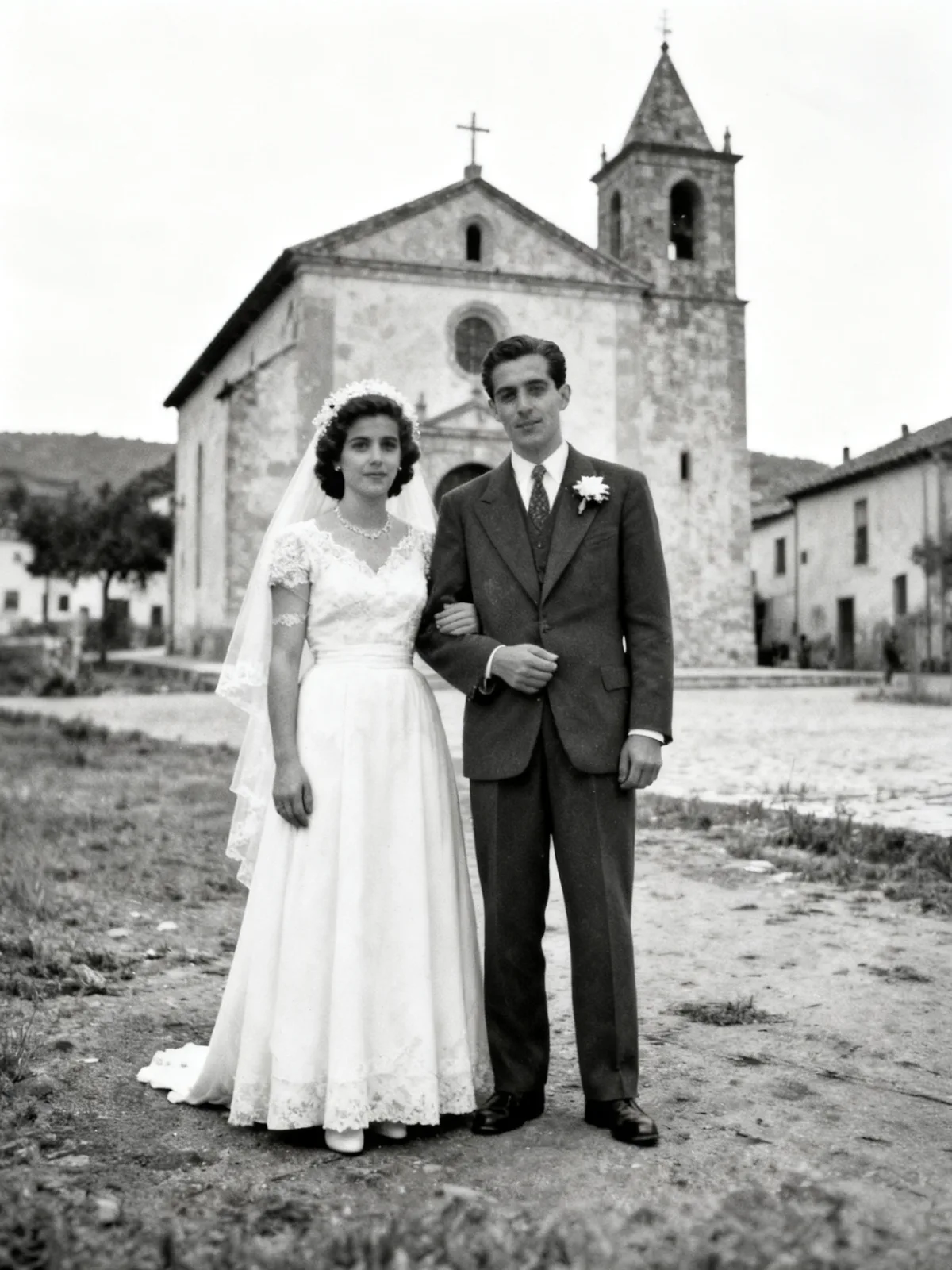
Repair scratches, stains and fading in your vintage photos.
Scale your images to 2x or 4x while keeping details clear.


Clean up grain and noise in your low-light photos.
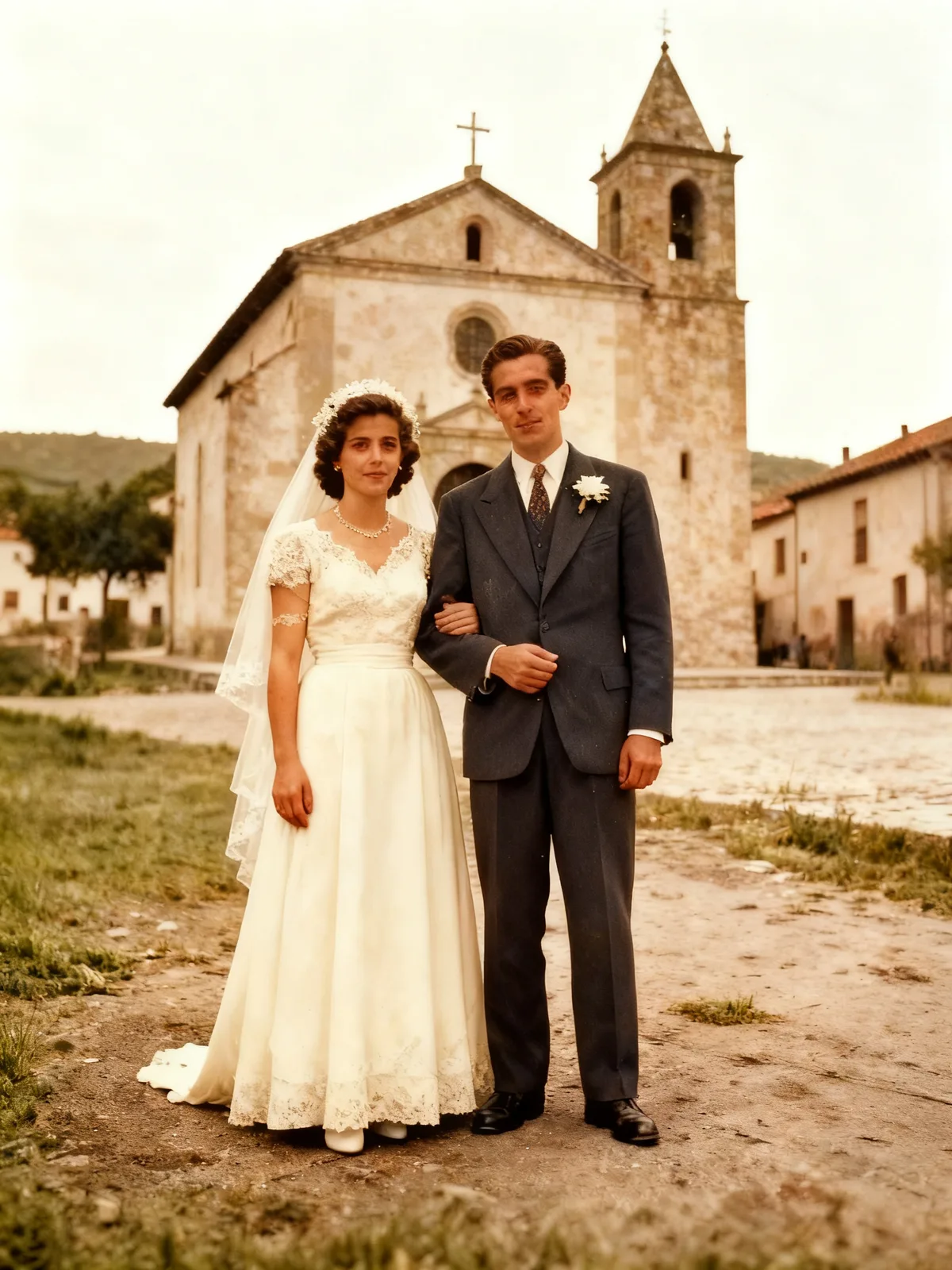
Add realistic color to your black-and-white photos.
Questions about clearing up text
Answers about OCR verification, document types, and the tool's limits.
What is the text verification?
Before and after the improvement we read the image's text with OCR and compare both. If they match you'll see the “Text verified” badge; if not, we warn you so you can review it. It is a quality-control aid, not a guarantee: OCR can fail and the AI can make mistakes.
Does it work with scanned documents?
Yes: documents, invoices, signs, labels, license plates and screenshots with hard-to-read text.
Can it change the numbers or letters in my document?
It can happen: any generative AI rebuilds the image and could alter a character. That is why we compare the text with OCR and warn you if we detect differences. For official documents, always review the result before using it.
Does it work with handwriting?
The visual improvement does; OCR verification is less reliable with handwriting, so on handwritten text the badge may not appear even if the text is fine.
How much does it cost?
Each run costs 2 credits (3 with the Pro model), with free credits when you sign up.
Which languages does the verification support?
OCR verification works best with text in Spanish, English and other Latin alphabets.
Make your document readable
Upload the image and recover its text with verification included.