
Colorize black-and-white photos
Give realistic color to your historical and family photos. The AI respects the photo's light and era, and people stay themselves.
This action: 3 creditsFree: watermarked images. After purchase: originals without a watermark.
Try an example
How to colorize a black-and-white photo
Upload your black-and-white photo, let the AI apply realistic color, and download the result.
- 01
Upload your image
JPG, PNG or WebP up to 10MB. Your photos stay private to your account.
- 02
The AI applies the color
Tones are chosen from the photo's light and context: natural skin, clothing and backgrounds consistent with the era.
- 03
Run the tool and download
Review the before and after, and download the result in high quality.
More improvement tools
Each tool is tuned for one kind of improvement. Keep working on the same image with another one.
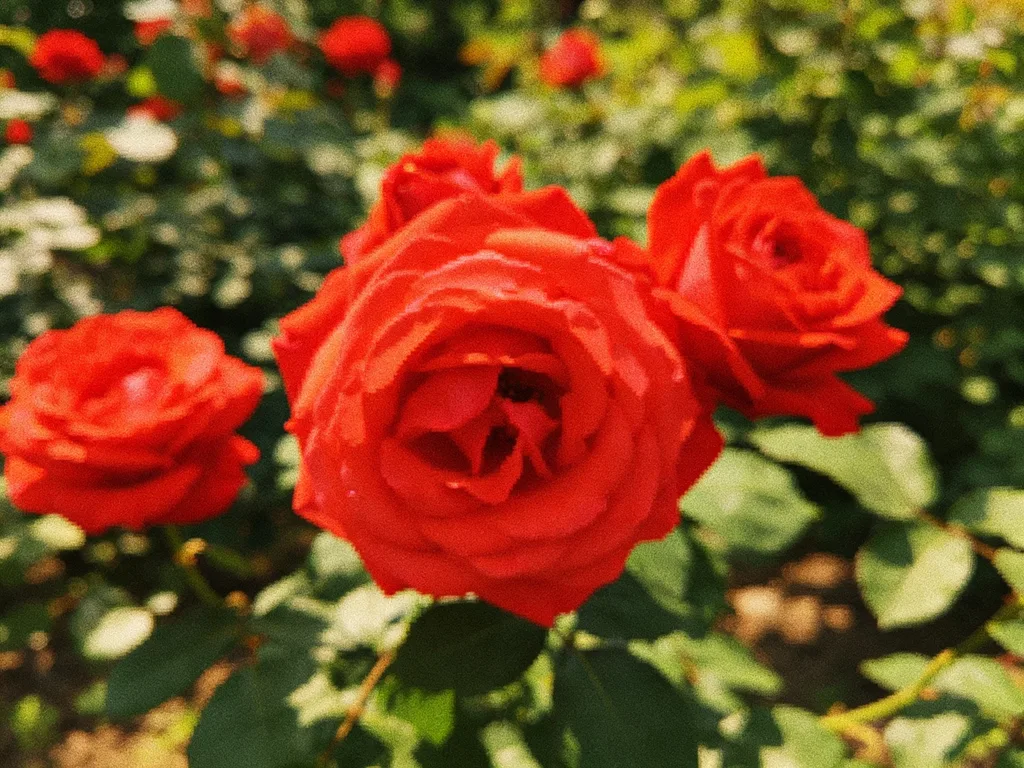
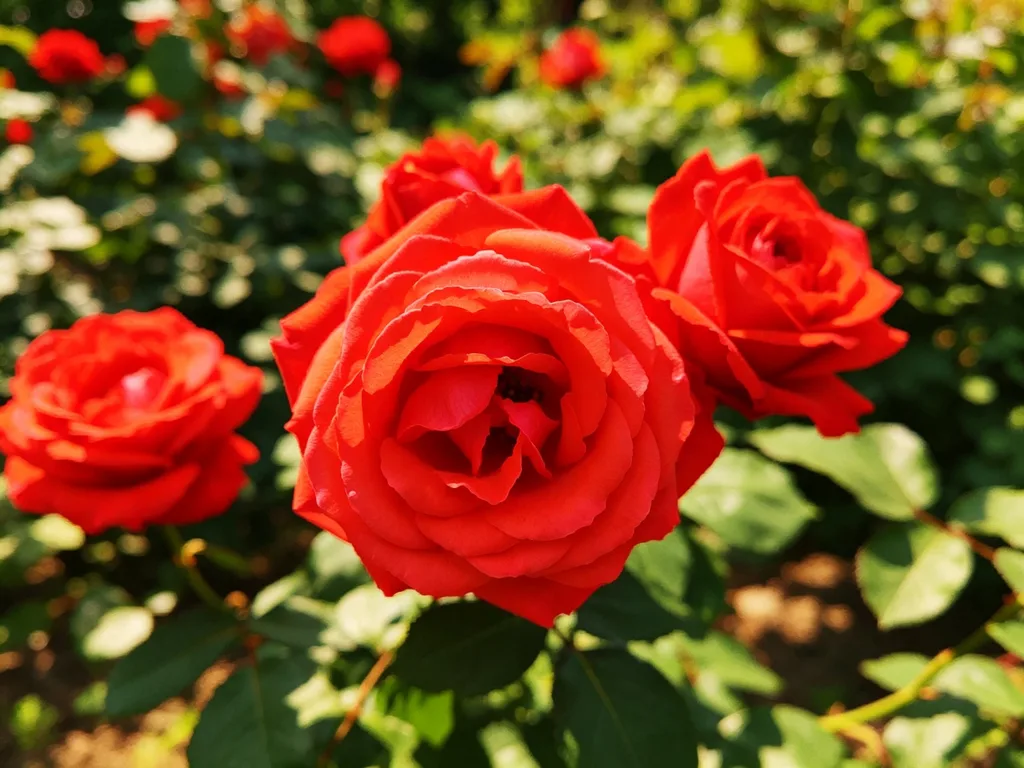
Bring back focus and definition in blurry or soft photos.
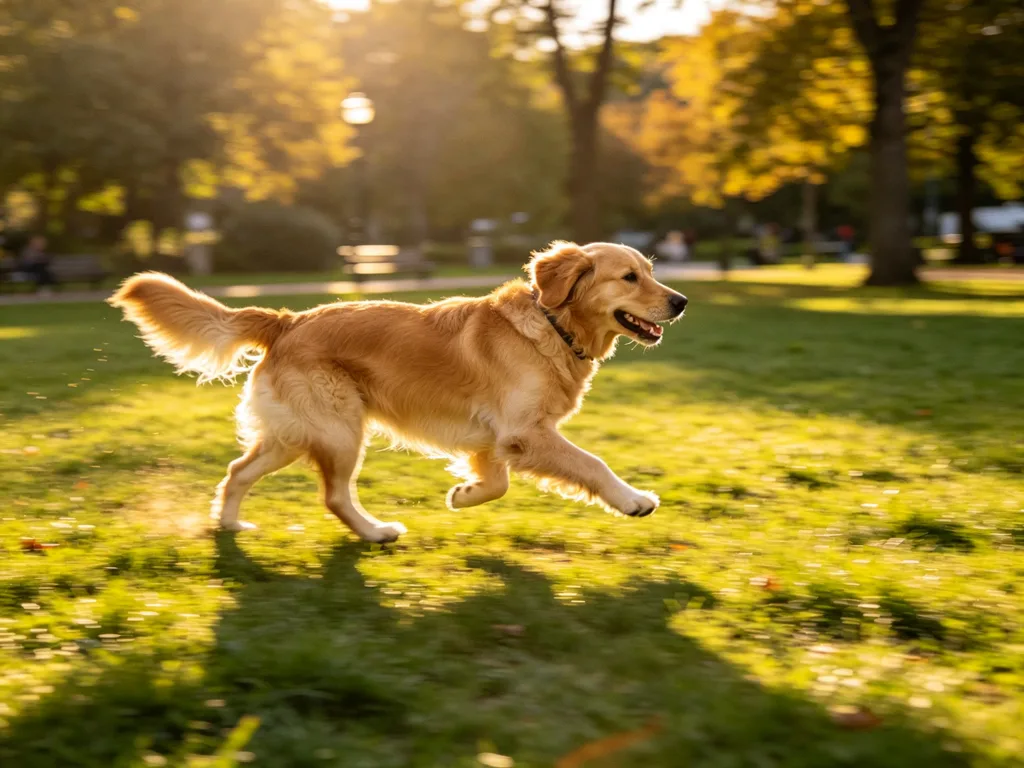
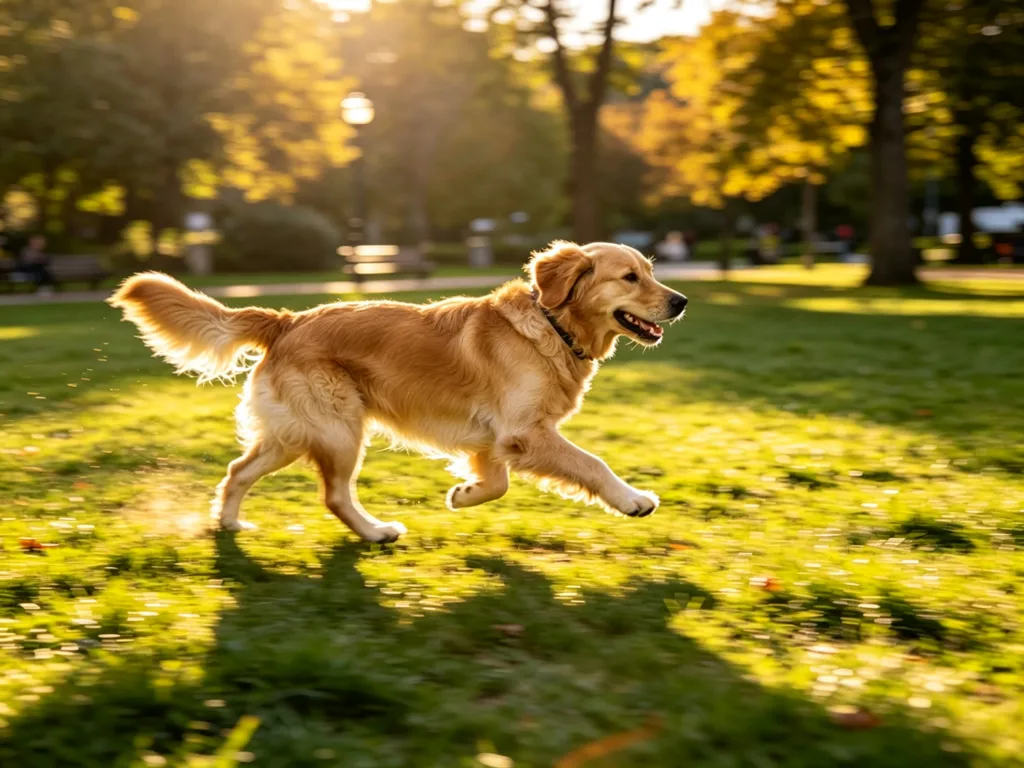
Remove blur from shaky photos and give them back a natural focus.
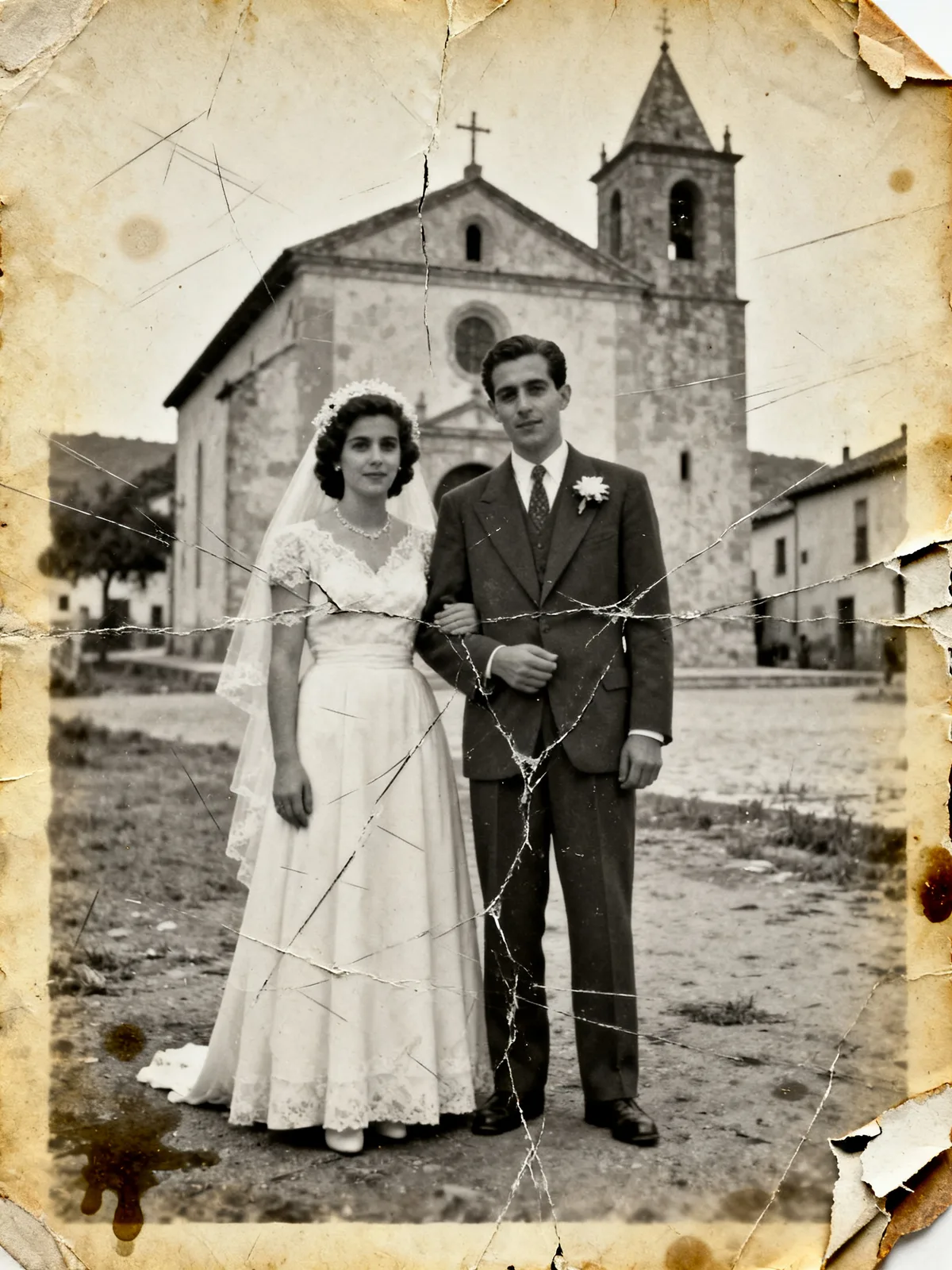
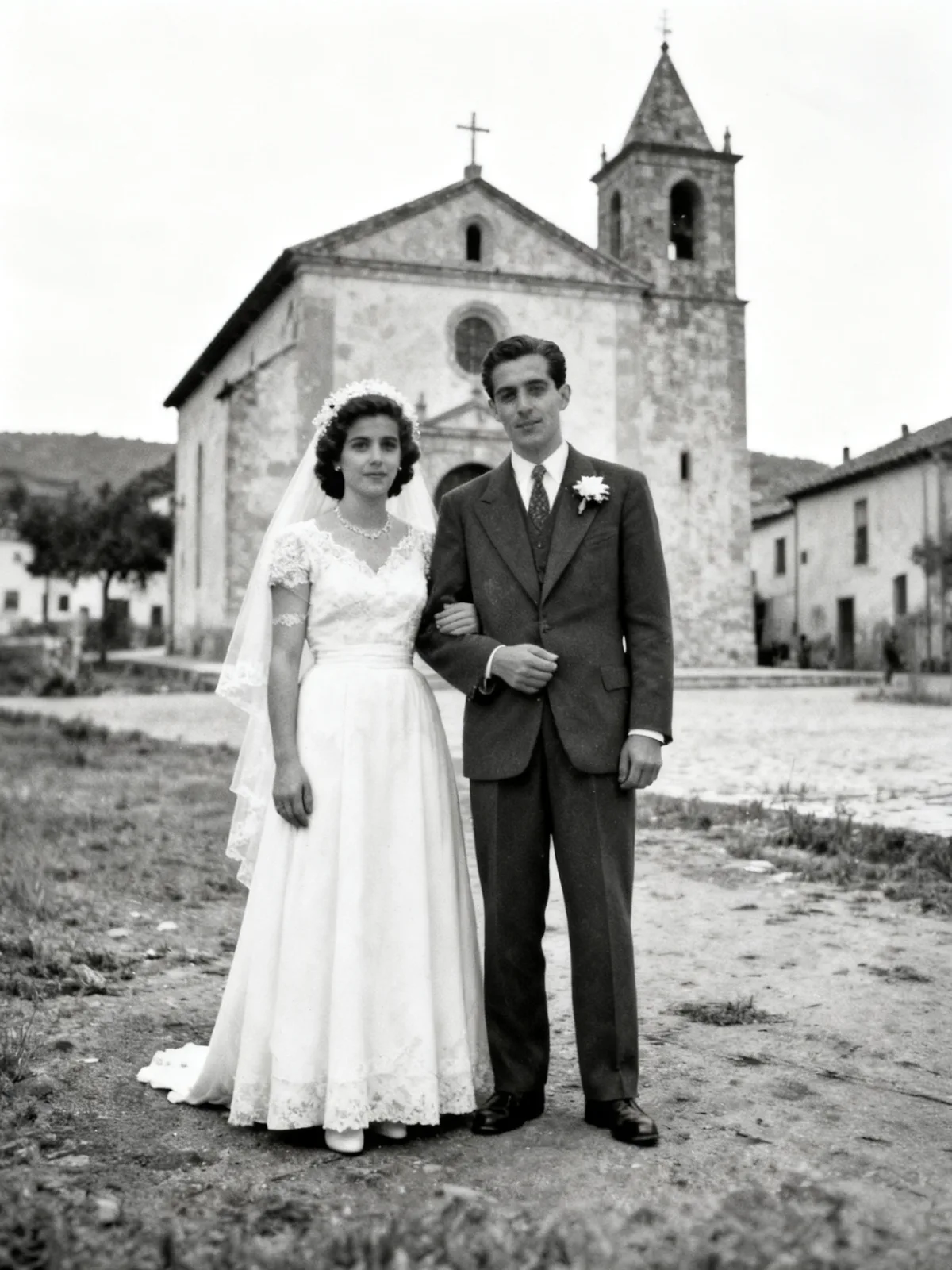
Repair scratches, stains and fading in your vintage photos.
Scale your images to 2x or 4x while keeping details clear.
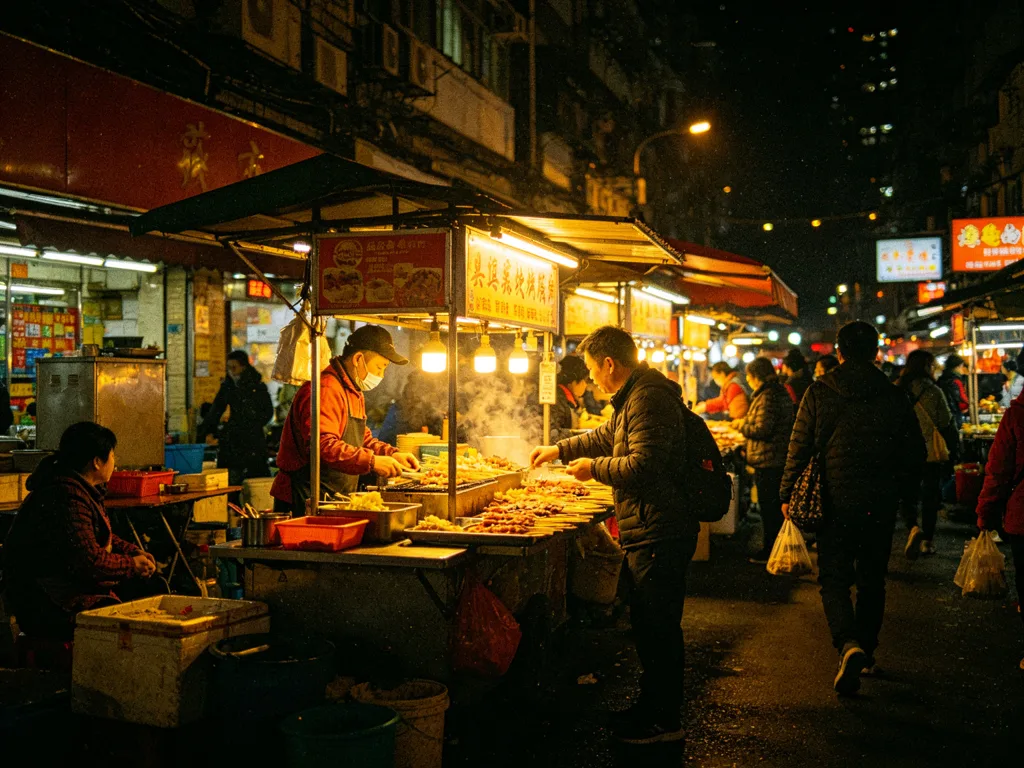
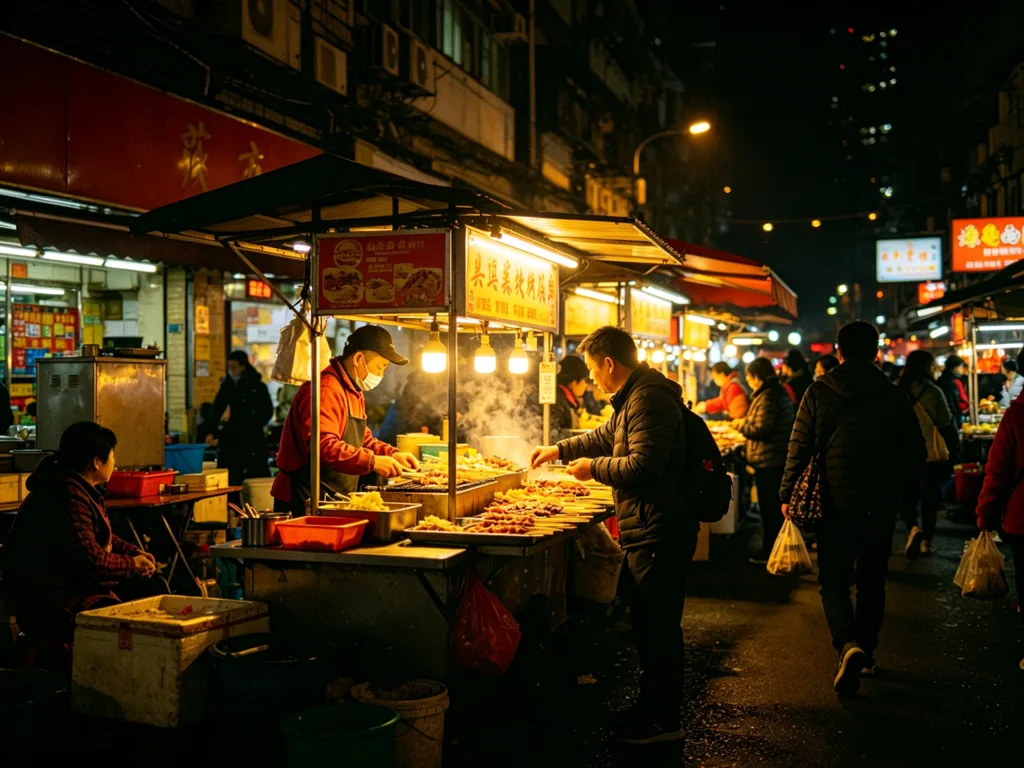
Clean up grain and noise in your low-light photos.
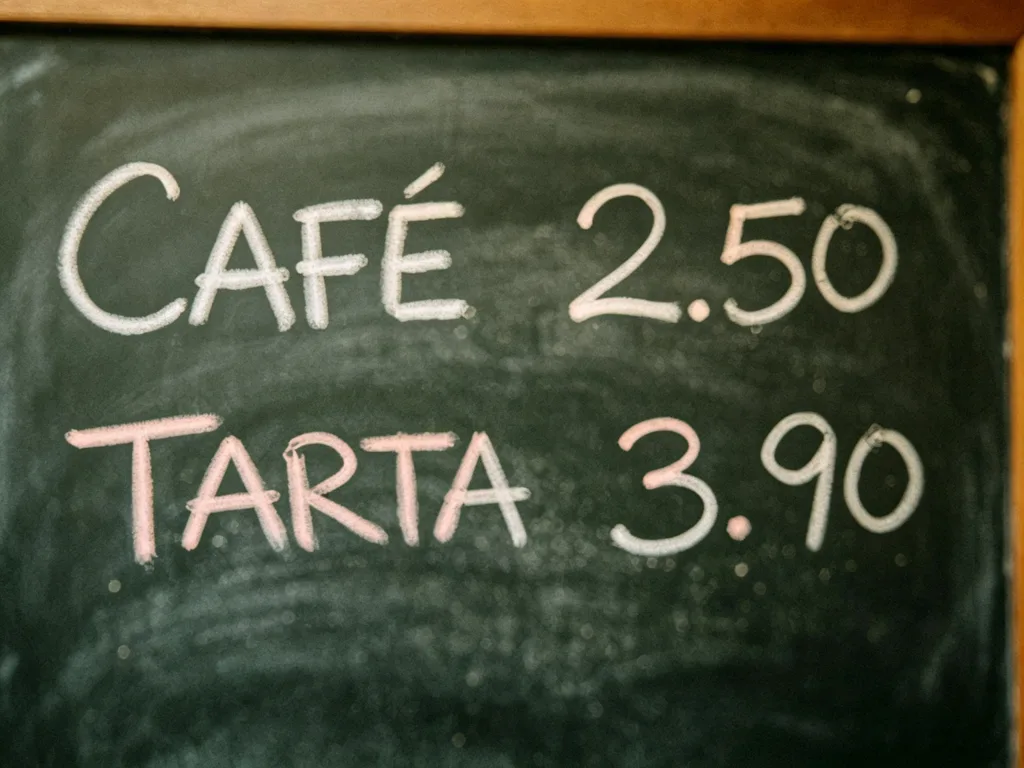
Make documents and signs readable again, with OCR verification.
Questions about colorizing photos
Answers about color realism, damaged old photos, and processing cost.
Will the colors be the real ones from the era?
The AI picks plausible colors from the light and context, but it cannot know the exact color of a specific garment. The result is realistic, not documentary evidence.
Does colorizing change the faces?
The process only adds color and keeps features and composition. As with any generative AI that rebuilds the image, small variations are possible; always compare with your original.
What if my photo is damaged as well as black-and-white?
First run it through old-photo restoration and then colorize it. You'll get a better result than doing everything at once.
How much does it cost to colorize a photo?
Each run costs 3 credits (4 with the Pro model), with free credits when you sign up to try it.
Does it work with sepia photos?
Yes, with pure black-and-white as well as sepia or faded tones.
Are my family photos private?
Yes. They are processed only for colorizing, stay private to your account, and are never used to train models.
Bring color to your memories
Upload your black-and-white photo and download it in color in seconds.