
AI Image Enhancer
Upload a photo to recover detail, reduce noise and increase resolution. Try free watermarked images; download watermark-free originals after purchase.
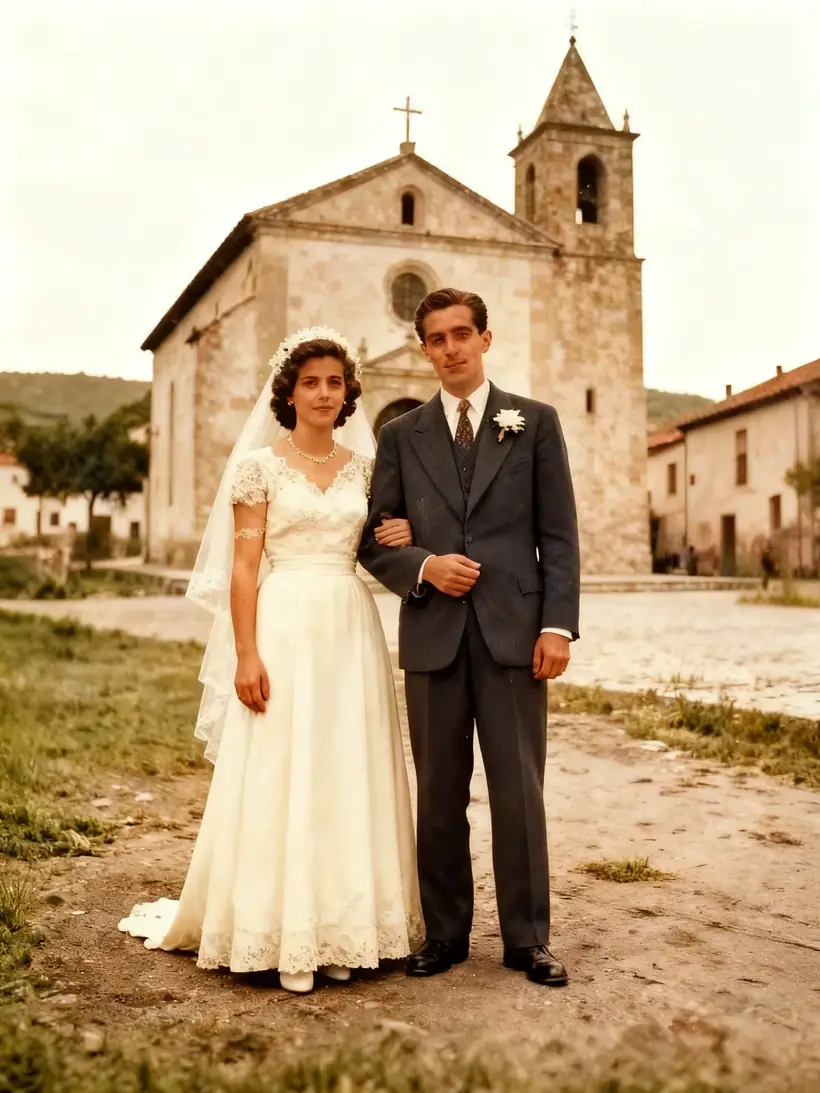 BeforeAfter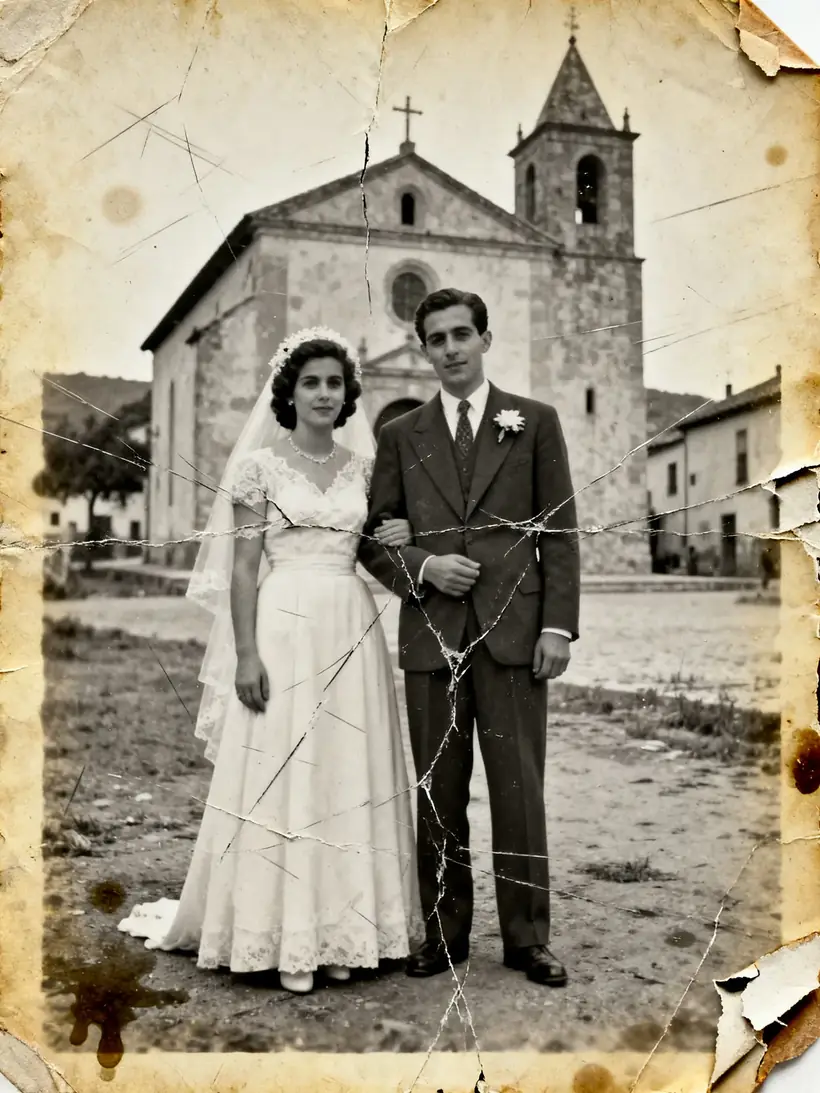
This action: 2 creditsFree: watermarked images. After purchase: originals without a watermark.
Improvement examples
How to improve image quality
Improving an image starts with your original photo. Upload it, choose what to improve, and download the result in high quality.
- 1
Upload your image
Add a photo, a scan or a screenshot in JPG, PNG or WebP format. Each image can be up to 10MB.
- 2
Say what to improve
Write a direct instruction like “improve the sharpness and keep the text as is”. Mention what must not change.
- 3
Generate, review, and refine
Process the image, compare it with the original, and download it. If you want, adjust the instruction and try again.
Before and after
See how a blurry, dark or damaged photo gets its quality back. Select an example to try the same improvement on your image.
Then bring the photo to life
Once restored, AI can animate it into a short video: a blink, a smile, a small gesture. It works best on old portraits that have already been recovered.
Try photo to videoWhat you can do to improve an image
Sharpen and refocus
Recover the focus of blurry or shaky photos and bring definition back to edges and textures.
Restore old photos
Repair scratches, stains and fading in scanned or printed photos, keeping the original faces.
Upscale the resolution
Scale your image to a higher resolution for printing or publishing, keeping details clear.
Remove noise and grain
Clean the noise from low-light photos and leave the image clearer, without the plastic look of other filters.
Clear up blurry text
Make blurry documents, signs and screenshots readable again.
Colorize black-and-white photos
Add realistic color to historical or family black-and-white photos, respecting the light and tones of the era.
One tool for each problem
Instead of one generic “improve” button, each tool is tuned for a specific task, with instructions built to preserve your photo's content.
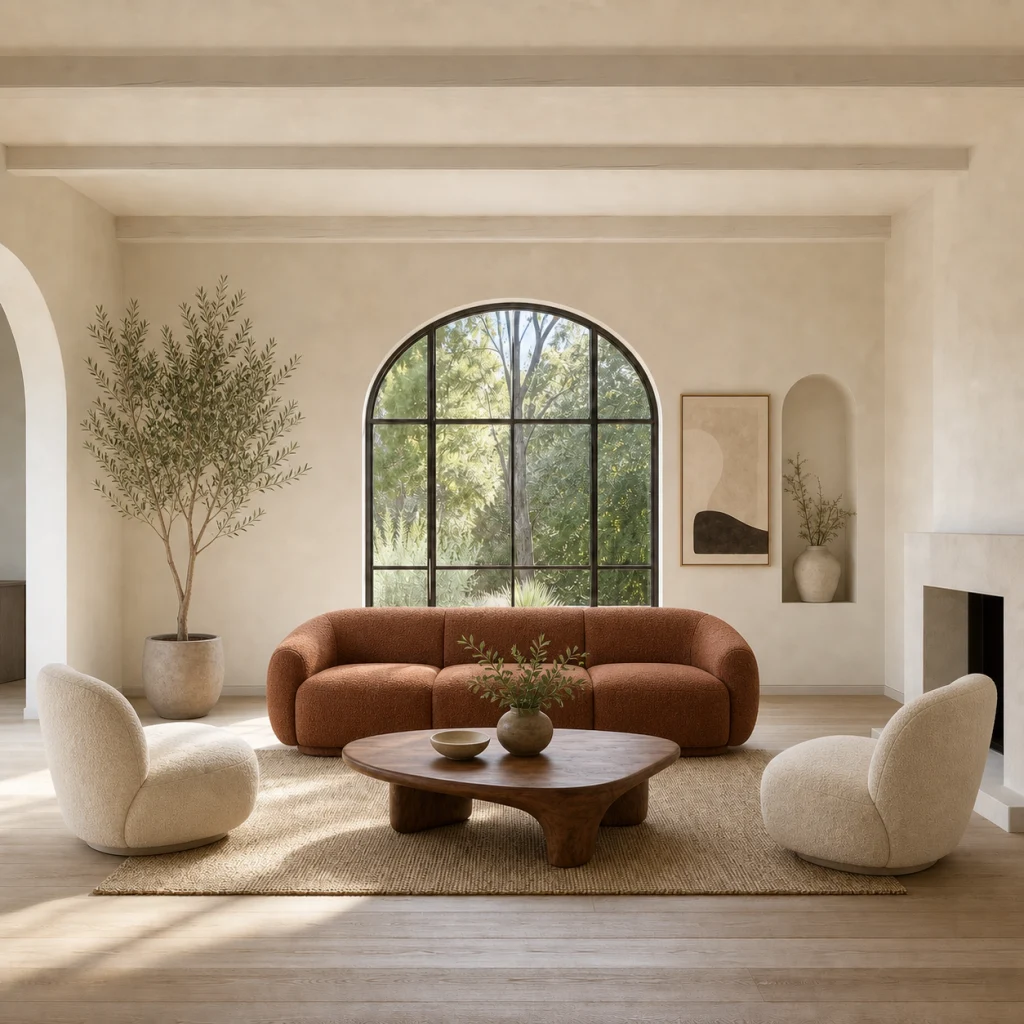
Seven tools, not one magic button
Focusing a shaky photo, repairing damage on a 1950s print, or cleaning the grain from a night shot are different problems solved differently. Pick the matching tool and the instruction comes pre-tuned for that task.
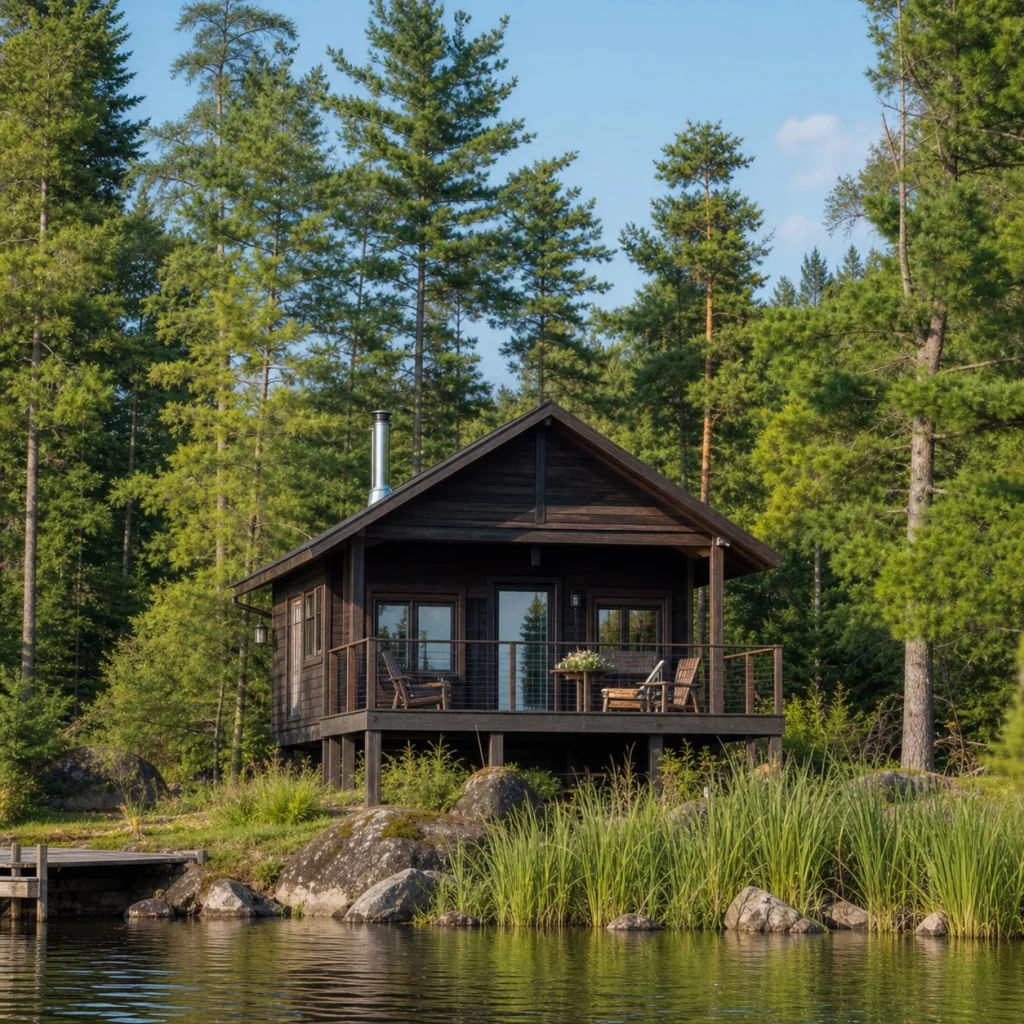
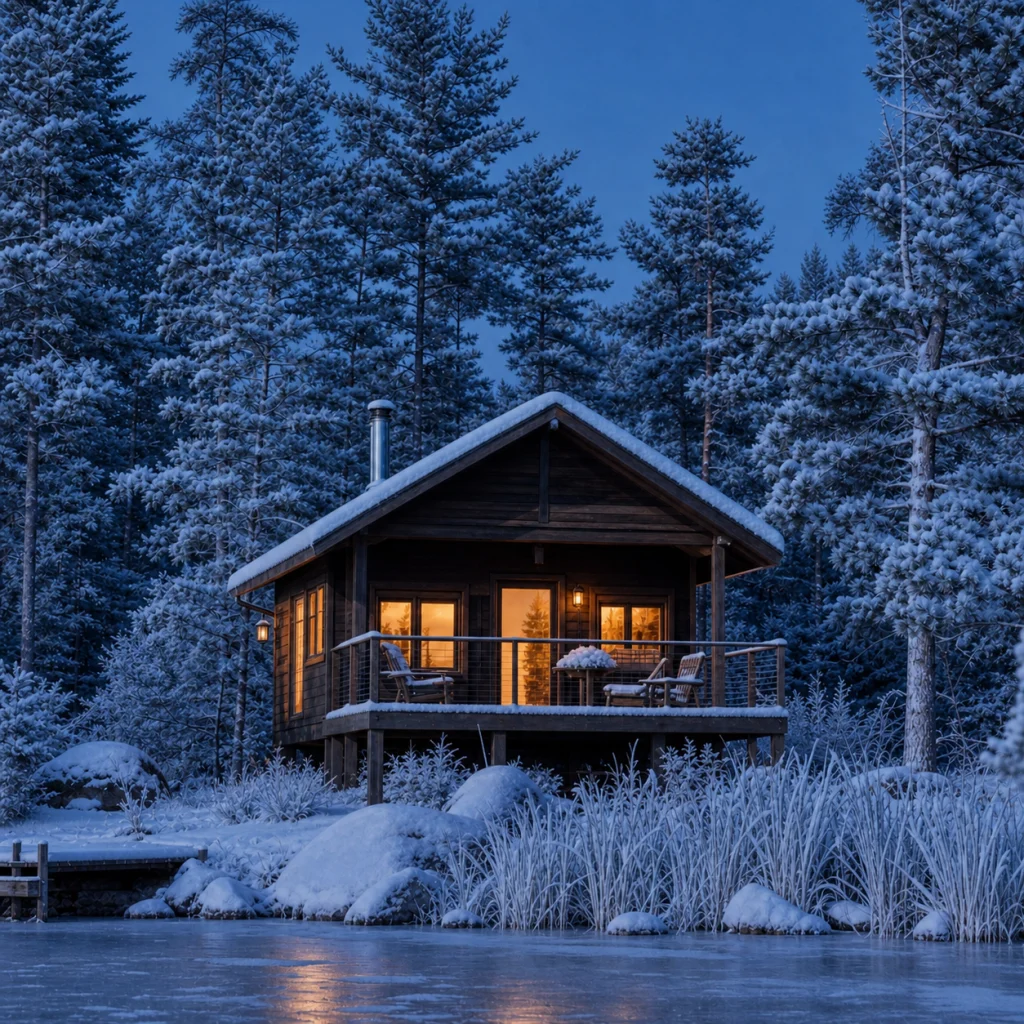
Built to preserve your photo
The goal is to recover your image, not reinterpret it: composition, framing and people stay as they were. No automatic crops, no surprise reframing.
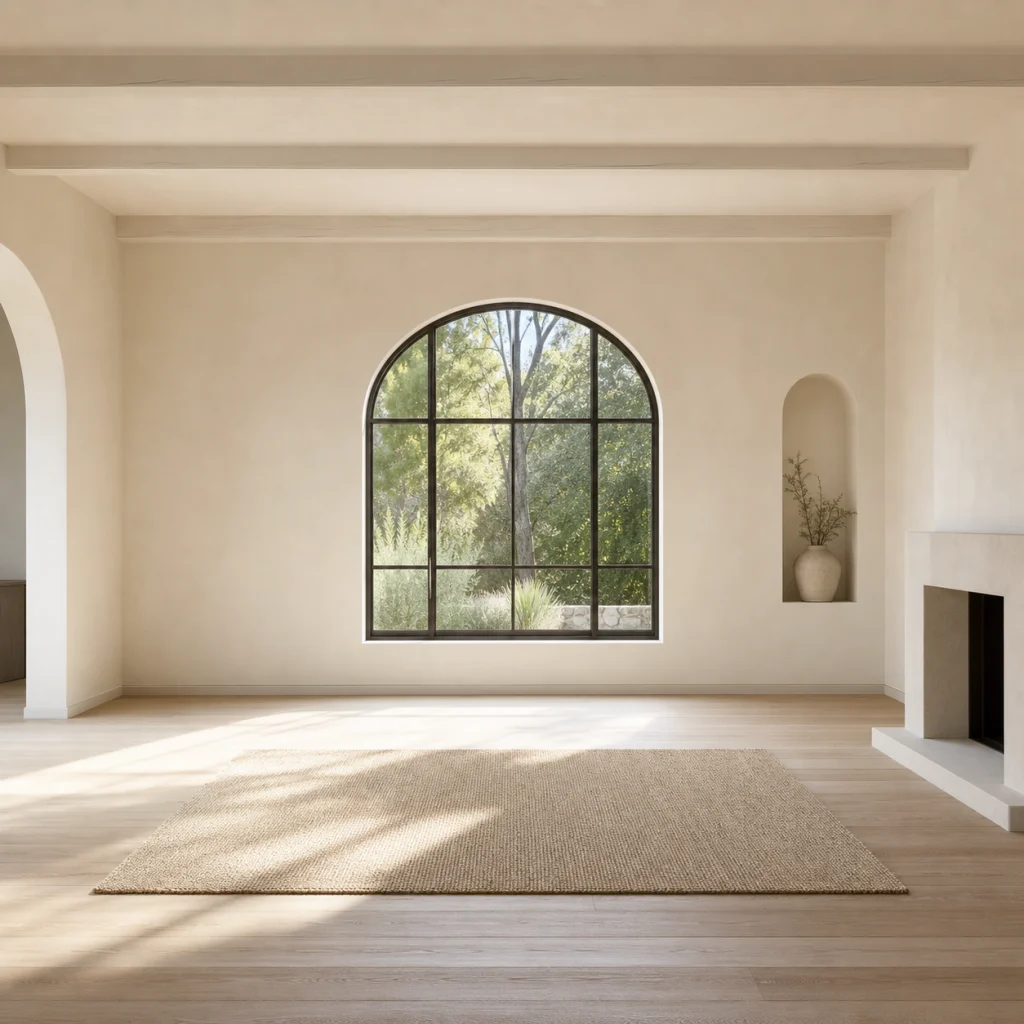
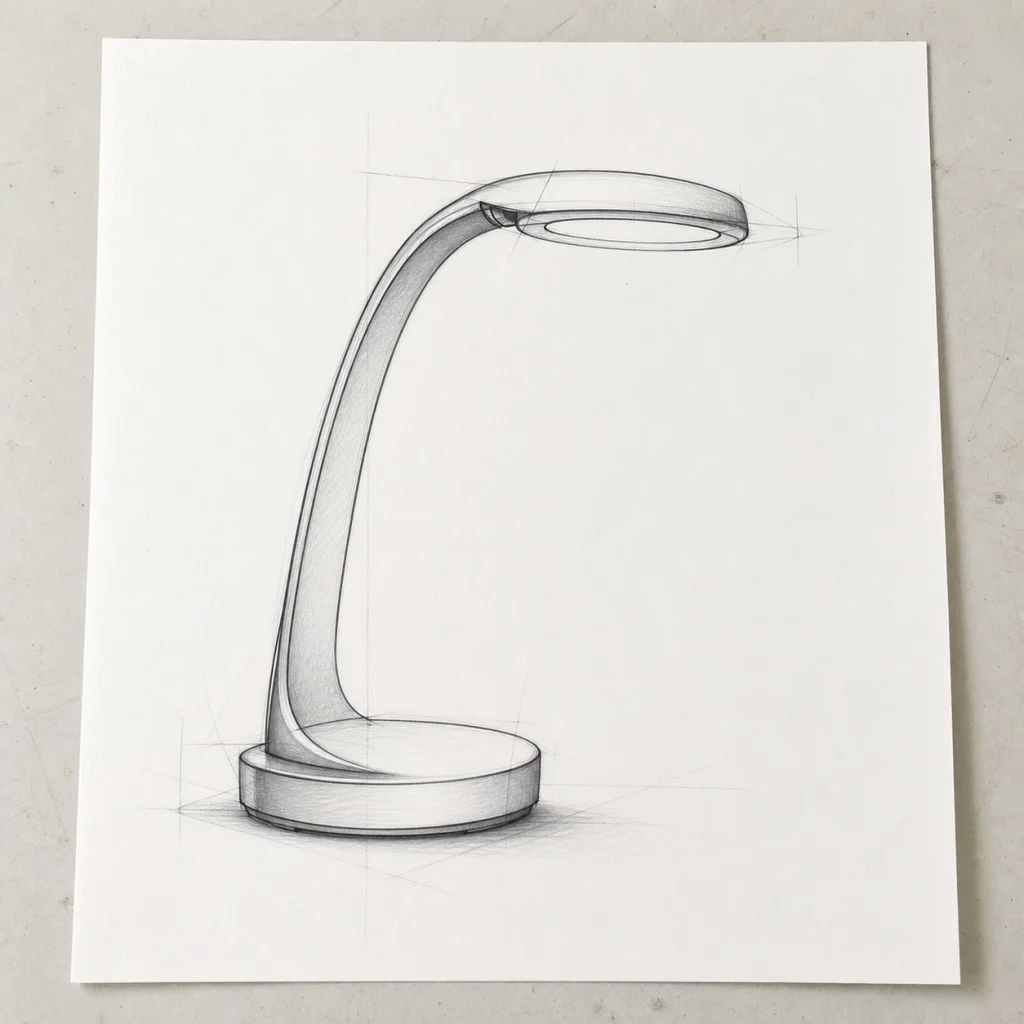

Fast, clean and yours
Free watermarked images and watermark-free originals after purchase, with a commercial-use license. Your images are private to your account and never used to train models.
Frequently asked questions
Answers about improving image quality, free credits, supported formats, and your photos' privacy.
How can I improve image quality online?
Upload your photo, say what you want to improve (sharpness, resolution, restoration) and process the image. In seconds you get a higher-quality version you can compare with the original and download.
How is this different from other AI photo tools?
Most tools apply a single generic process to any photo. Here you pick the tool for the actual problem — blur, physical damage, noise, resolution, color — and each one carries instructions tuned for that task, built to preserve the original content.
Is it free to improve image quality?
Yes. New accounts receive free credits, and the required credits are shown before each generation. You can use those credits to upload a reference and try your first image edit online.
Will the improved image look like the original?
That is the goal: the improvement starts from your photo and recovers sharpness, color and detail without recomposing the scene. Still, any generative AI rebuilds pixels and may introduce small changes, so always compare the result with your original before using it.
What kinds of photos can I improve?
Blurry or shaky photos, low-resolution images, scanned old photos with damage, screenshots with hard-to-read text, dark or noisy photos, and black-and-white photos you want to colorize.
Which formats do you accept and what happens to my photos?
You can upload JPG, PNG or WebP up to 10MB. Your photos and results are private to your account: they are used only to process the improvement and never to train models.
Improve your image quality now
Upload your photo, use your free credits, and download a sharper version in seconds.
More from our team
Two sister sites, both built around GPT Image 2.5.
ShimmerPic
Create and edit images with GPT Image 2.5
Start from a proven prompt and compare Flare and Sunburst side by side.
Flare vs Sunburst
Which GPT Image 2.5 model to use, and when
Compare Flare and Sunburst on speed, quality, and cost using the same prompt. See measured generation times and real images.